May. 20, 2025
Pin Messages
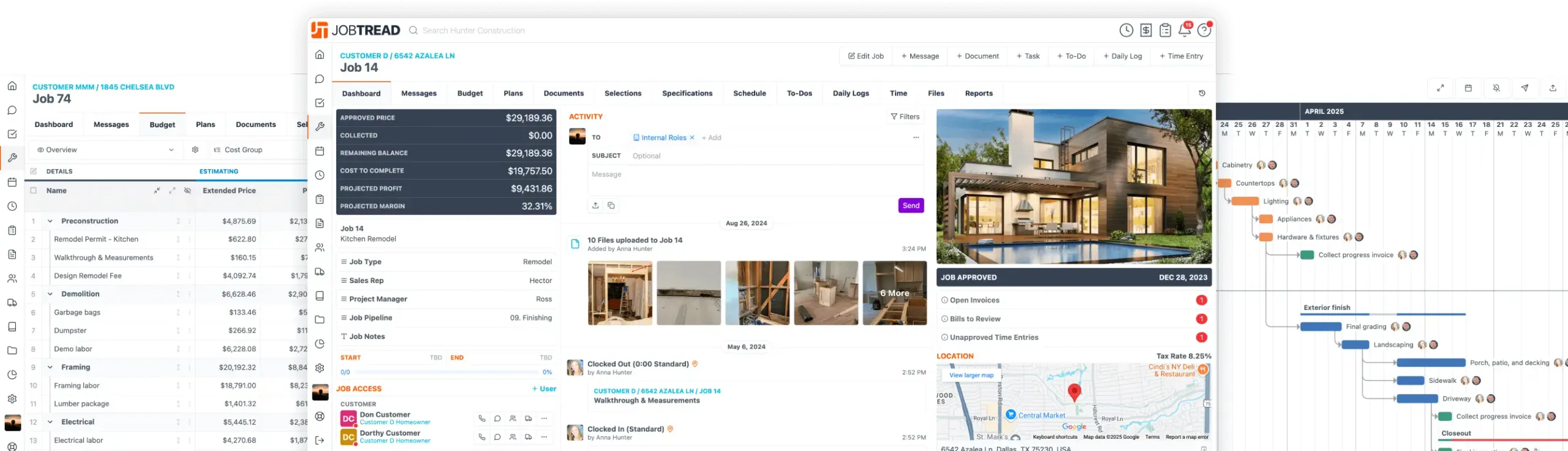
Keep important information front and center by pinning it to the top of a message feed.Navigate to a job feed, account feed, or the main message center. Click the 3 dot menu on the message you want to pin and choose "Pin Thread." The pinned message will appear at the top of the feed for all users with access—including customers and vendors. Think of it like a digital bulletin board—your most important message always stays at the top.

Free Construction Business eBook
10 Strategies for Construction Business Owners Aiming to Grow and Endure
Home Builders
Remodelers
Pool Builders
And More!
Upcoming Events
See All Events

All-in-One Construction Management Software
- Construction CRM
- Estimating
- Takeoff
- Contracts & eSignatures
- Cost Catalog
- Bid Requests
- Lead Management
- Mobile App
- Tasks & Scheduling
- Daily Logs
- Time Tracking
- Files, Photos, & Videos
- Sub & Vendor Portals
- Specifications
- Budgeting
- Change Orders
- Job Costing
- POs & Work Orders
- Sub & Vendor Billing
- Customer Invoices
- Reporting & Dashboards
- Customer Portals
- Selections & Allowances
- Communication & Messaging
- Homeowner Financing
- Collect Online Payments
- Warranties
- Customer Portals
- Selections & Allowances
- Communication & Messaging
- Homeowner Financing
- Collect Online Payments
- Warranties
Let's elevate your company to new levels of success.
See how JobTread will get you organized, save you time, and increase your profits.
Sign Up Today